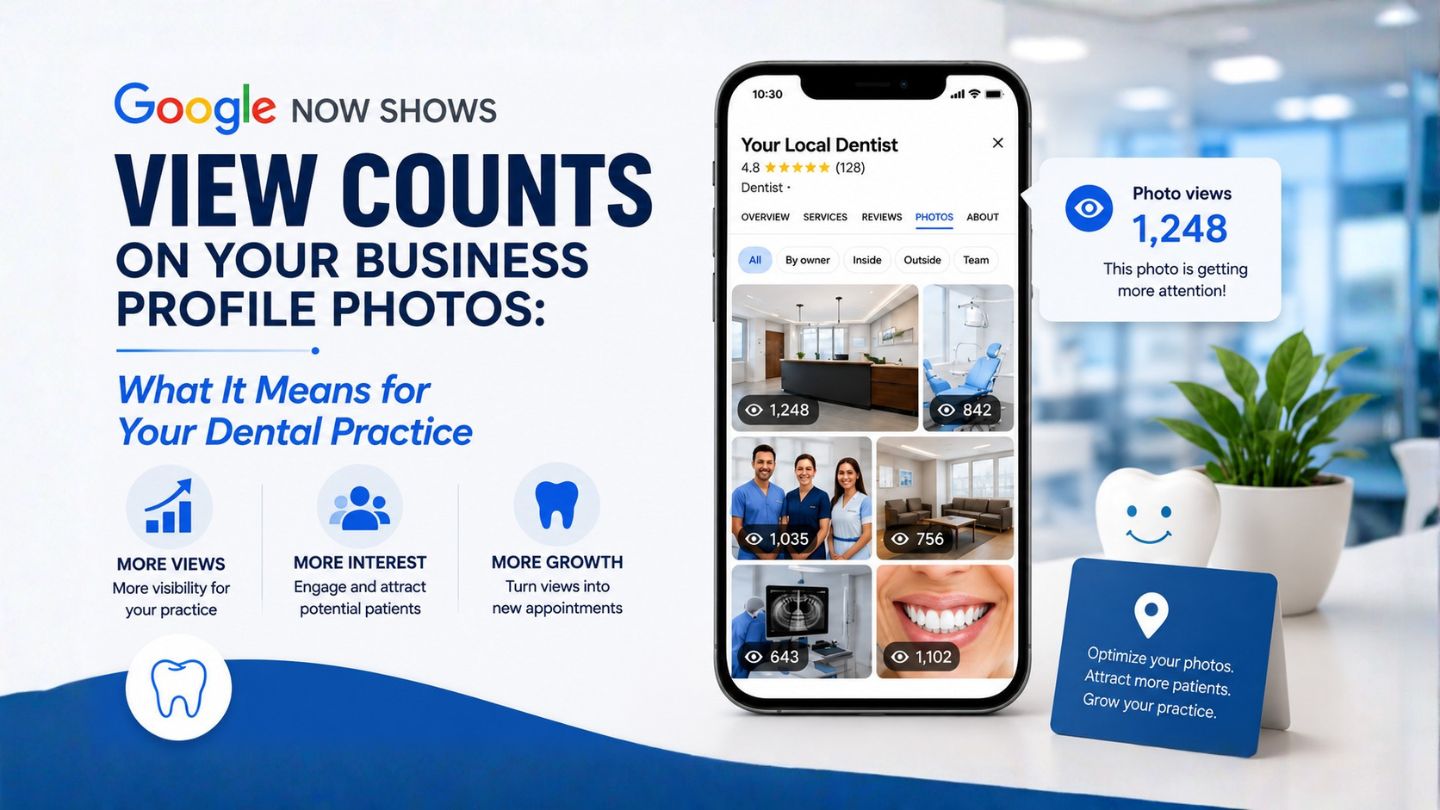
Google has quietly added a useful feature to Google Business Profiles. Each photo and video in your profile gallery now shows its own view count, so you can see exactly how many times searchers have looked at a given image. For a dental practice, this turns what used to be a guessing game into something you can actually measure: which pictures patients want to see, and which ones they scroll right past.
The feature is still rolling out, so not every practice will see it yet. Some owners can already view per-image counts while others cannot, which is normal for a Google update in progress. If you do not see it today, it is worth checking back over the coming weeks.
What Actually Changed
Until now, your Business Profile gave you a single overall photo views number and left you to guess which images were doing the work. The update adds a view count to each individual photo and video right in the gallery. Instead of one lump figure, you can now see that your exterior shot pulled in a certain number of views while your team photo pulled in far more, or far fewer.
In plain terms, Google is handing you a small but real piece of patient behavior data: a ranked sense of which visuals catch attention when someone is deciding whether to book with you.
Why This Matters for a Dental Practice
Choosing a dentist is a personal decision, and patients are nervous by default. Before they call, many of them scroll through your photos to answer quiet questions. Does this office look clean and modern? Does the team look friendly? Will I feel comfortable here? Your gallery is often the first real impression a patient forms, and it happens before they ever read a word of your website.
Until now you could not tell which of those images was doing the persuading. With per-photo view counts, you can. That lets you stop guessing and start making decisions based on what patients actually look at.
A few practical reasons this is worth your attention:
You can see what reassures patients. If your reception area and team photos rack up far more views than a stock-looking equipment shot, that tells you patients care about people and atmosphere, and you should lead with more of that.
You can spot what falls flat. Images that get almost no views are taking up space without earning their place. You can replace them with something stronger.
You can justify better photography. If you have been on the fence about a professional photo shoot of your office and team, view counts give you the before-and-after evidence to see whether better images actually draw more attention.
How to Use the New View Counts at Your Practice
1. Find your most-viewed images
Open your Business Profile photo gallery and note which photos and videos have the highest view counts. These are the images patients are choosing to look at, which makes them your strongest assets. Make sure your best, most current versions of these are front and center.
2. Replace the images nobody looks at
Low-view photos are quietly doing nothing for you. Outdated shots, blurry phone pictures, or generic stock-style images are the usual culprits. Swap them for clear, current photos of your actual office, team, and patient experience.
3. Show the things patients are nervous about
Patients want to see the spaces they will actually sit in. Clean treatment rooms, a welcoming reception area, modern equipment, and genuine smiling team members all answer the unspoken worries that keep someone from booking. Use your view counts to confirm which of these resonate most, then keep feeding the gallery with more of what works.
4. Test video, not just photos
Because the feature now covers videos too, you can see whether a short office tour or a quick hello from your dentist earns attention. A brief, friendly video can do more to calm a nervous patient than any still image. Track its views and compare.
5. Keep the gallery fresh
A profile full of recent, high-quality images signals an active, well-run practice. Add new photos regularly, watch which ones gain traction, and let the view counts guide what you add next. Treat it as an ongoing loop rather than a one-time setup.
A Word of Caution
View counts tell you what gets looked at, not the full story of what wins a booking. A photo can earn a lot of views and still not be the thing that makes someone call. Use the data as a strong signal, not as the only factor. Pair it with what your front desk hears from new patients about why they chose you, and you will get a much fuller picture.
It is also worth remembering this is one small piece of a healthy local presence. Strong reviews, accurate practice information, a fast and easy-to-book website, and consistent local visibility all matter more than any single photo. View counts simply help you make one part of that presence sharper.
The Bottom Line
Your Business Profile photos are often the first impression a patient forms of your practice, and now you can finally see which ones are doing the work. Check your gallery for the new per-image view counts, lean into the photos and videos patients actually look at, and quietly retire the ones they ignore. It is a small feature, but used well, it helps you put your best face forward at the exact moment a nervous patient is deciding whether to pick up the phone.
Frequently Asked Questions
What changed with Google Business Profile photos?
Google now shows a view count on each individual photo and video in your profile gallery, so you can see how many times each one has been seen rather than only a single overall total.
Why can’t I see view counts on my photos yet?
The feature is still rolling out, so some practices can see it while others cannot yet. If it is not showing for you, check back over the coming weeks.
How should a dental practice use this information?
Identify your most-viewed photos and keep them prominent, replace images that get almost no views, and make sure patients can see the things that reassure them: clean treatment rooms, a welcoming reception, modern equipment, and a friendly team.
Do photo views directly bring in new patients?
Not on their own. Views tell you what catches attention, which is a useful signal, but a booking depends on the whole experience, including your reviews, your website, and how easy you make it to get in touch.
Should I add videos to my profile too?
Yes. The feature covers videos as well, and a short office tour or a friendly hello from your dentist can ease a nervous patient’s worries. Track its views to see how it compares to your still images.